Set up your SOS contact and
be there for your loved ones

First month free – sign up now

Your advisor
AKAndriy K.
Your data
48.6123, 22.2630
50.4518, 30.5272
Accuracy: 18 m
Maps Legal
View on map
616 Winthrop St, Brooklyn, NY 11203
New York, NY, USA
Accuracy: ±27 mUpdated at 15:20
Open map Route
Safe Button — SOS screen
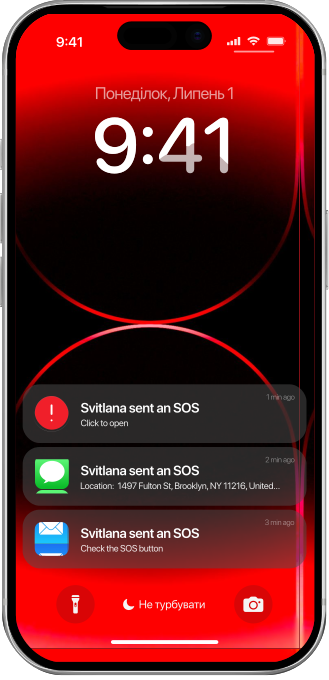
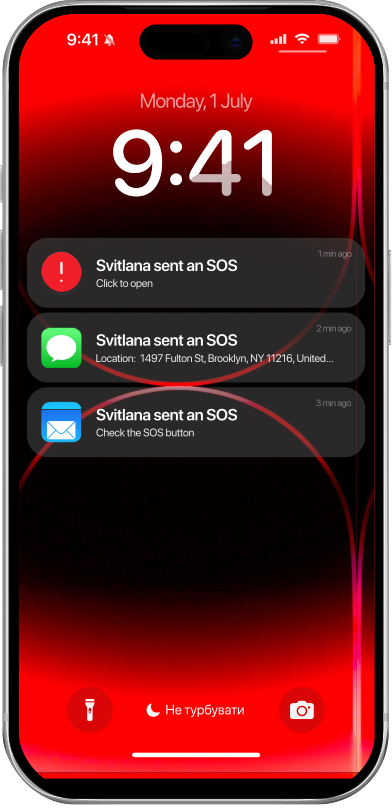
Svitlana sent an SOSCheck the SOS button
1 min ago
Svitlana sent an SOSClick to open
1 min ago
Svitlana sent an SOSLocation: 1497 Fulton St, Brooklyn, NY 11216, United…
1 min ago
Audio · 1:00
14:35
SOS button
Press and hold for 1 second · photo and geolocation
Low batteryPREMIUM
Notification to curators < 15%

Trusted by partners

About the Safe Button

A trusted person is more reliable than an unfamiliar operator

Safe Button – you’re always in
touch with someone you trust

How does the Safe Button help?

One tap instead of ten frantic steps

1

Press SOS

Press SOS, but you have 5 seconds to cancel if you pressed it by mistake.

2

Instant notification

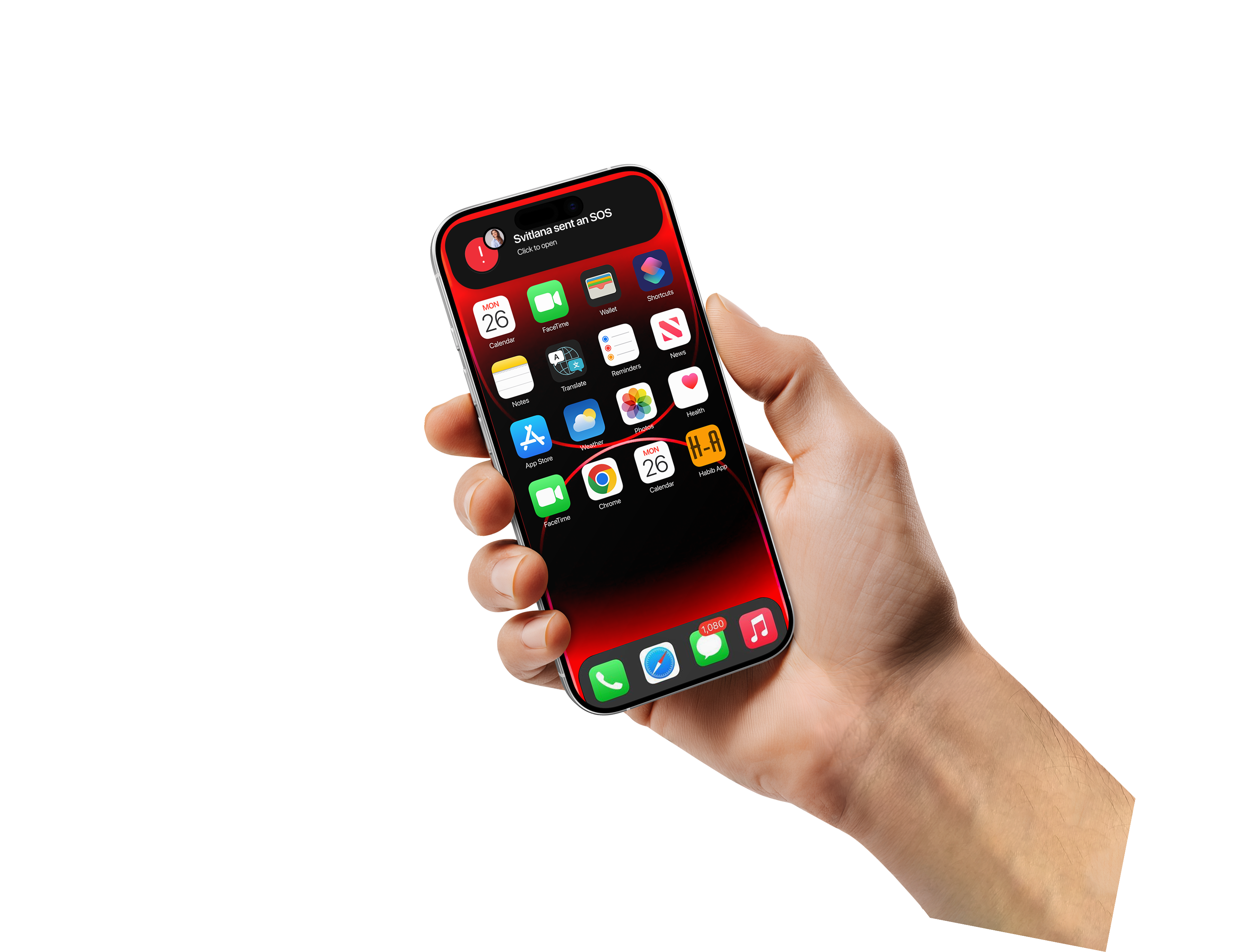
The curator receives an instant notification and your template message.

3

Real-time location

Sees your location on the map in real time.

4

Failover channel

Receives an SMS or email if the push notification fails.

5

A ready-made action plan

Follow the plan you drew up in advance.

Everything that works
for you

Notification

SMS reminder after 60 seconds, email reminder after 75 seconds; iSOS goes into the queue when offline. Low battery alert

Lock screen with SOS messages

Smart Watch

Connecting the app to watches

Lock screen 18:37 Apple Watch SOS

Geolocation

In real time for the supervisor throughout the SOS

Maps Legal
616 Winthrop St, Brooklyn, NY 11203
New York, NY, USA
Accuracy: ±27 mUpdated at 15:20
Open map Route
View on map

SOS button

Connecting 1 trusted contact (mentor) Up to 5 mentors at a time and creating a group of mentors

Critical Alert

Overrides silent mode, ‘Do Not Disturb’ (iOS) and priority notifications (Android)

Critical Alert home screen

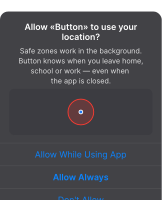
Safe zones

Creation of up to 10 safe locations, where the supervisor receives a notification when leaving or returning

Safe zones screen Location permission
Lock screen with SOS notifications

Why Safe Button?

One tap – and a trusted contact receives a Critical Alert with your location, even in silent mode. In a moment of fear, there’s no need to search for a contact in Telegram; just press the SOS button

The SOS feature is free forever, with no subscriptions required

Safe Button —
a Ukrainian emergency
communication app

Get in touch with the right person
straight away and stay safe!